Episode eight of the Shopware plugin series. Video here, code in the GitHub repo.
Nobody knows a question came in
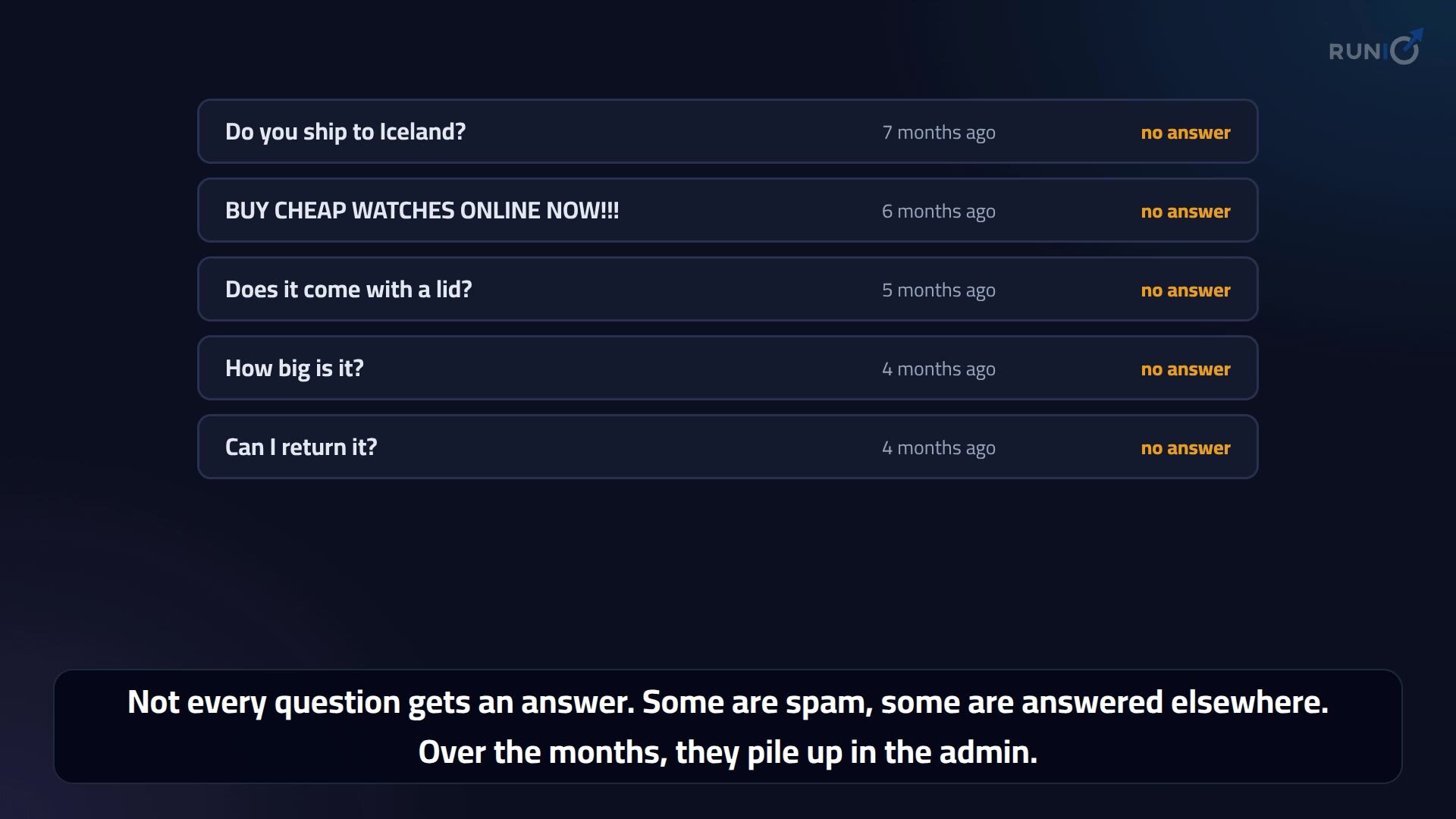
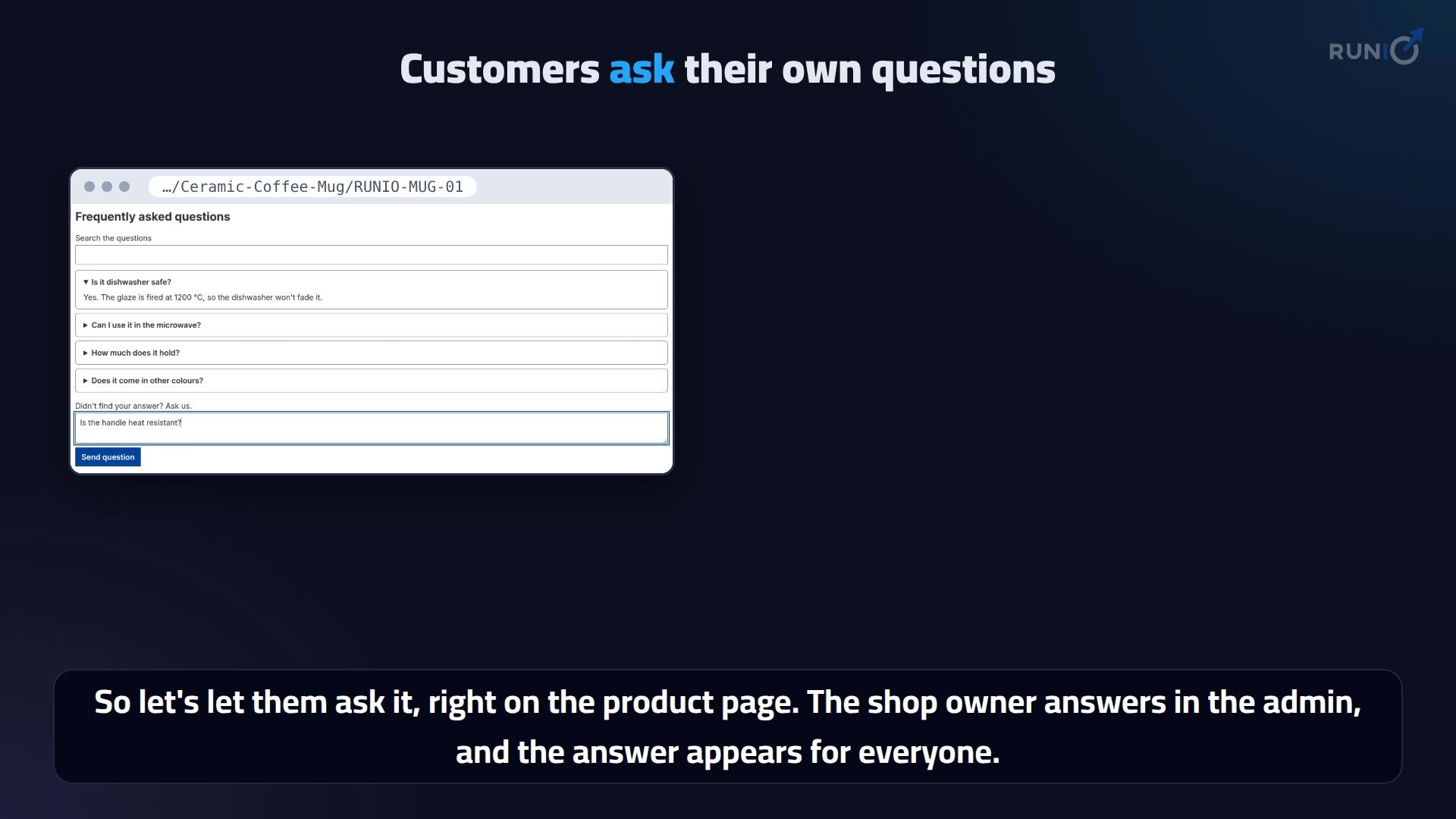
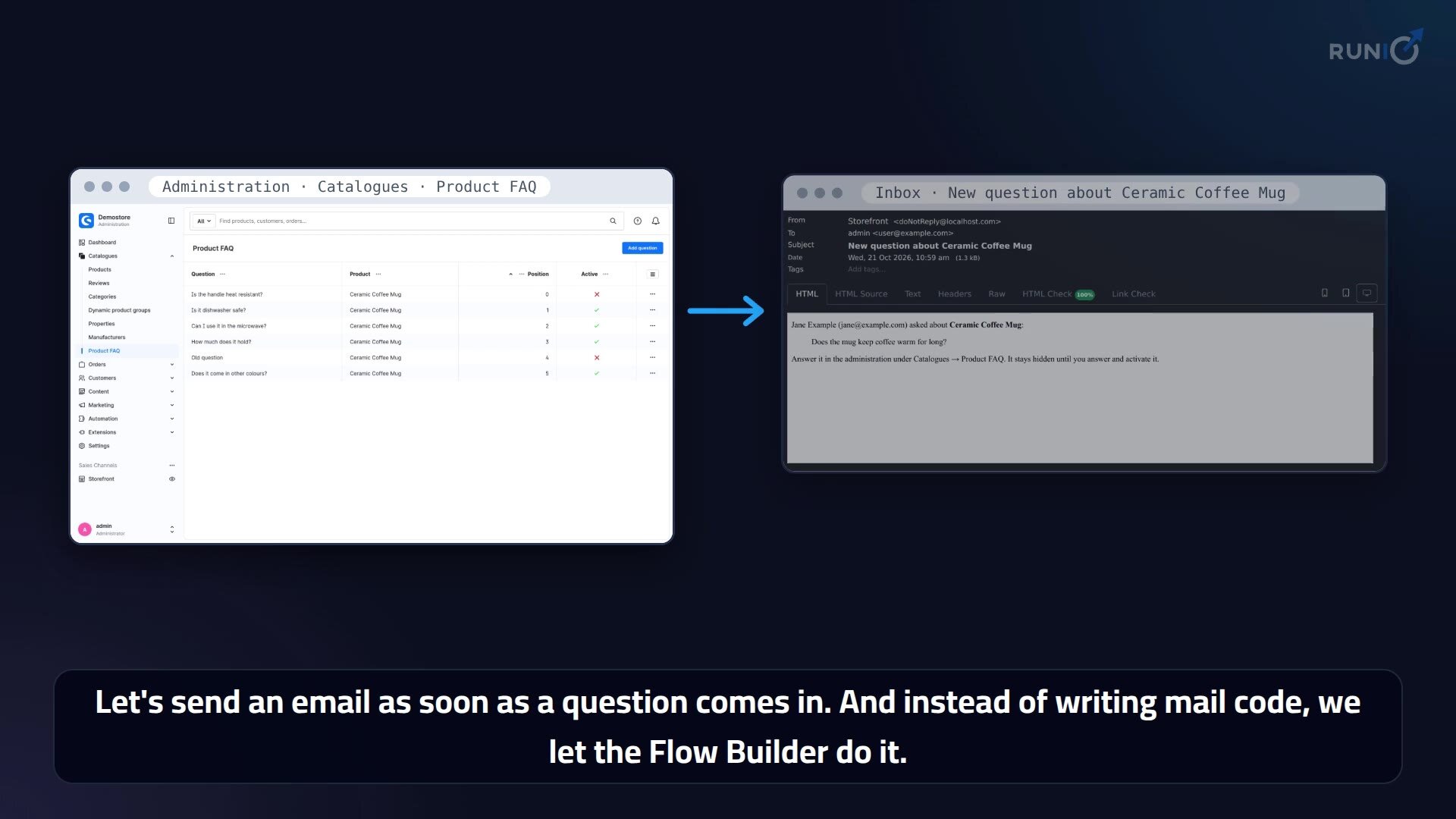
Customers can ask questions now. But the shop owner only notices by opening the admin and checking the list. An email the moment a question arrives would be better.
I could write the mail code myself. But Shopware already has a tool for "when X happens, do Y", the Flow Builder, so the plugin hands the job over to it.
Triggers, conditions, actions
A flow has a trigger, optional conditions, and actions. Shopware brings the actions: send an email, tag the customer, change their group and so on. We only add the trigger.
Which actions run is then up to the shop owner, in the admin. If they later want to tag the customer as well, or send the mail somewhere else, that's a change in the Flow Builder, not a new plugin release.
The event
The trigger is an event class. Its name is what a flow listens for:
final class ProductFaqAskedEvent extends Event implements FlowEventAware, SalesChannelAware, CustomerAware, ProductAware, MailAware, ScalarValuesAware
{
    public const EVENT_NAME = 'runio.product_faq.asked';

    public function getName(): string
    {
        return self::EVENT_NAME;
    }
}
The list of Aware interfaces is the important part. Each one tells the Flow Builder what the event carries: the sales channel, the customer, the product, a mail recipient, and plain values like the question text.
getAvailableData() describes the same data for mail templates, so the question can appear in the email:
public static function getAvailableData(): EventDataCollection
{
    return (new EventDataCollection())
        ->add(CustomerAware::CUSTOMER, new EntityType(CustomerDefinition::class))
        ->add(ProductAware::PRODUCT, new EntityType(ProductDefinition::class))
        ->add('question', new ScalarValueType(ScalarValueType::TYPE_STRING));
}
The getters only hand over IDs and the question string. The Flow Builder stores those and loads the customer and the product itself when it needs them.
getMailStruct() names the default recipient, which is the customer. In the flow, the shop owner can switch that to the admin address, and that's what we'll do.
Getting into the trigger list
An event class alone doesn't show up in the admin. A subscriber has to hand it to the BusinessEventCollector:
public static function getSubscribedEvents(): array
{
    // A high priority, so our trigger is there before others read the list
    return [BusinessEventCollectorEvent::NAME => ['onCollect', 1000]];
}

public function onCollect(BusinessEventCollectorEvent $event): void
{
    $definition = $this->businessEventCollector->define(ProductFaqAskedEvent::class);

    if ($definition !== null) {
        $event->getCollection()->set($definition->getName(), $definition);
    }
}
Admin snippets then give it readable names. Each part of runio.product_faq.asked gets a label for the trigger tree, and the full name gets one for the list of flows.
Dispatching it
The ask route from the last episode dispatches the event right after the question is saved:
// Flows with the trigger "Product FAQ / Question asked" run now
$this->eventDispatcher->dispatch(
    new ProductFaqAskedEvent($context, $customer, $faqProductId, $data->getString('question')),
    ProductFaqAskedEvent::EVENT_NAME,
);
The order matters. If saving fails, no flow runs, so nobody gets an email about a question that doesn't exist. And if a flow fails, the question is already saved.
A ready-made mail template
So the shop owner doesn't start from an empty template, a migration adds a mail template type and a template. The migration checks first whether the type exists, and does everything inside one transaction, so a failed run can simply run again.
For the texts it uses ImportTranslationsTrait from Shopware. It writes the German texts for German languages and the English texts for every other language, including the system language.
In the template, Twig escapes the question. That matters here: the text comes from a customer and goes straight into the shop owner's inbox, so it shouldn't be able to bring its own markup.
And on uninstall, unless the user chose to keep the data, the plugin removes its flows, the template and the template type:
if ($uninstallContext->keepUserData()) {
    return;
}

$connection->executeStatement('DELETE FROM flow WHERE event_name = ?', ['runio.product_faq.asked']);
Setting it up in the admin
Under Flow Builder, add a flow. Type "question" in the trigger field and ours shows up. As the action choose Send email, pick our template, and set the recipient to the shop owner. That's all the setup.
Now Jane asks a question on the product page, and a few seconds later the email arrives with her name, the product and the question.
Recap
An event with Aware interfaces, a subscriber that adds it to the trigger list, a dispatch after saving, and a mail template from a migration. Everything else is the Flow Builder's job.
The last episode cleans up old questions nobody answered, with a scheduled task.
Author Amer Malik Mohammed
Full-Stack Developer with 2+ years of experience in object-oriented PHP development (Symfony), JavaScript and MySQL. Specialized in e-commerce solutions (Shopware 5/6), REST API development and process automation in agile teams.
Contact author