Episode seven of the Shopware plugin series. Video here, code in the GitHub repo.
The question that isn't on the list
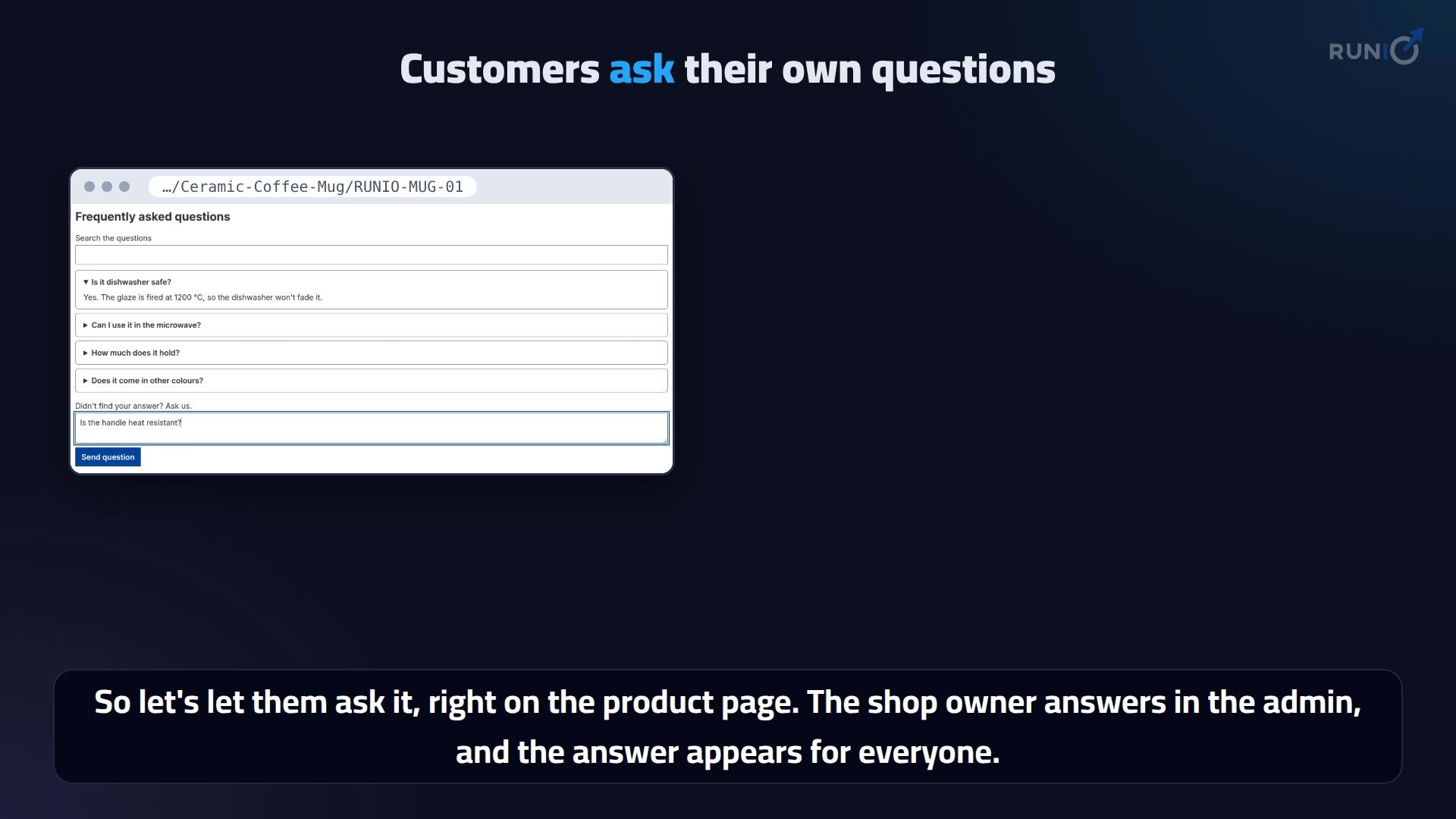
The FAQ covers the common questions. Customers will still have one that isn't there. So this time they can ask it, right on the product page. The shop owner answers it in the admin, and from then on everyone sees the answer.
That takes four pieces: a migration, a Store API route that saves the question, a storefront controller, and the form itself.
A new migration, not an edited one
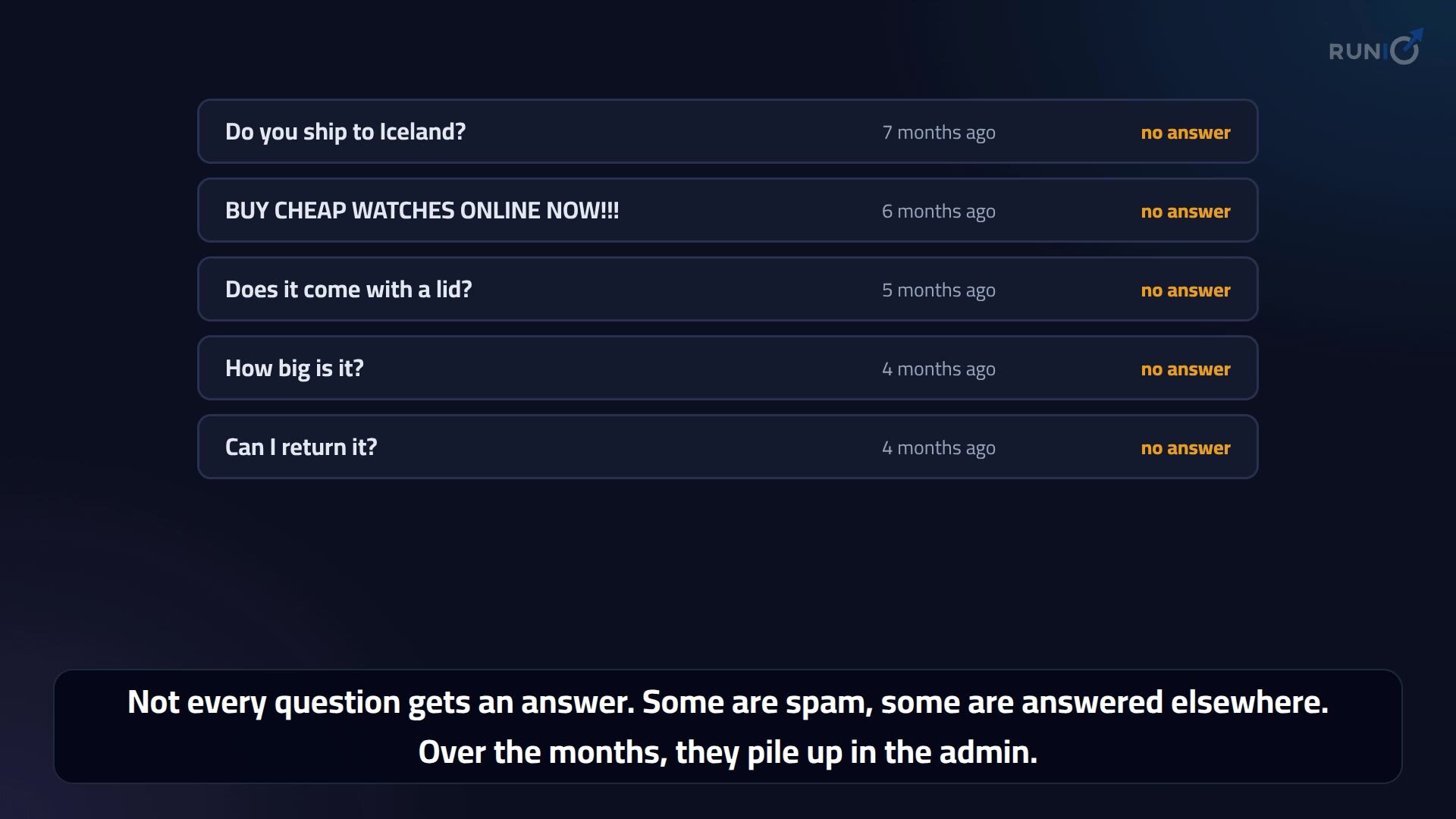
A question from a customer has no answer yet, but in episode two the answer column was NOT NULL. The tempting fix is to edit that first migration. Don't. Shops that already installed the plugin have run it and will never run it again, so your change would only reach new installs.
A new migration makes the column optional:
public function update(Connection $connection): void
{
    // Questions asked by customers have no answer yet
    $connection->executeStatement('ALTER TABLE `runio_product_faq` MODIFY `answer` LONGTEXT NULL');
}
In the definition, answer loses its Required flag. And the list route from episode five now skips questions without an answer, so even if someone activates an unanswered question by mistake, customers don't see an empty answer.
The POST route
#[Route(
    path: '/store-api/runio/product/{productId}/faq/ask',
    name: 'store-api.runio.product-faq.ask',
    methods: ['POST'],
    defaults: [PlatformRequest::ATTRIBUTE_LOGIN_REQUIRED => true],
)]
public function ask(string $productId, RequestDataBag $data, SalesChannelContext $context): NoContentResponse
It only accepts POST, and only from logged-in customers. ATTRIBUTE_LOGIN_REQUIRED takes care of that, guests get a 403.
Rate limiting
Anything that lets people write into your database needs a limit. Each customer gets five questions an hour:
runio_product_faq_ask:
    enabled: true
    policy: 'fixed_window'
    limit: 5
    interval: '60 minutes'
That lives in a small rate_limiter.yaml in the plugin. A compiler pass in the plugin class adds it to Shopware's rate limiter configuration, and the route checks it first:
$this->rateLimiter->ensureAccepted('runio_product_faq_ask', $customer->getId());
Validation
Next, the text gets cleaned before it's checked. Tags and outer spaces are stripped, so what we validate is exactly what we store:
$question = $data->get('question');
if (\is_string($question)) {
    $data->set('question', trim(strip_tags($question)));
}

$definition = (new DataValidationDefinition('runio_product_faq.ask'))
    ->add('question', new NotBlank(), new Type('string'), new Length(min: 10, max: 255));

$this->validator->validate($data->all(), $definition);
DataValidator throws a ConstraintViolationException if something's wrong, and the Store API turns that into a 400 with the details. No error handling code needed in the route.
Saving
Then the product has to be visible in this sales channel, same check as in episode five. The question is created on the parent product, inactive and without an answer:
$this->faqRepository->create([[
    'productId' => $product->get('parentId') ?? $productId,
    'question' => $data->getString('question'),
    'active' => false,
]], $context->getContext());
Notice what the client sends: only the text. The product comes from the URL and is checked, and active is set by us. A client can't send "active": true and publish its own question.
The storefront controller
A small controller wraps the route for the storefront. It shows a thank-you or an error as a flash message and sends the customer back to the product page:
try {
    $this->askQuestionRoute->ask($productId, $data, $context);
    $this->addFlash(self::SUCCESS, $this->trans('runioProductFaq.askSuccess'));
} catch (ConstraintViolationException) {
    $this->addFlash(self::DANGER, $this->trans('runioProductFaq.askInvalid'));
} catch (RateLimitExceededException) {
    $this->addFlash(self::DANGER, $this->trans('runioProductFaq.askTooMany'));
}

return $this->redirectToRoute('frontend.detail.page', ['productId' => $productId]);
The controller calls the abstract route, not the class directly, so if another plugin decorates the route, the storefront form gets that behaviour too. routes.php now also imports the storefront controllers.
The form
The form only appears for logged-in customers, because it couldn't work for anyone else. Guests see a login link instead, and after logging in they land back on the same product.
Trying it
As a guest, there's the login link. After logging in, Jane types her question and sends it, and the thank-you message appears. In the admin the question is waiting in the list, inactive. The shop owner writes an answer, switches it to active and saves. Now everyone sees it.
Recap
A new migration instead of editing the old one, a POST route for logged-in customers with a rate limit and validation, a controller with flash messages, and a form that only shows up when it can actually work.
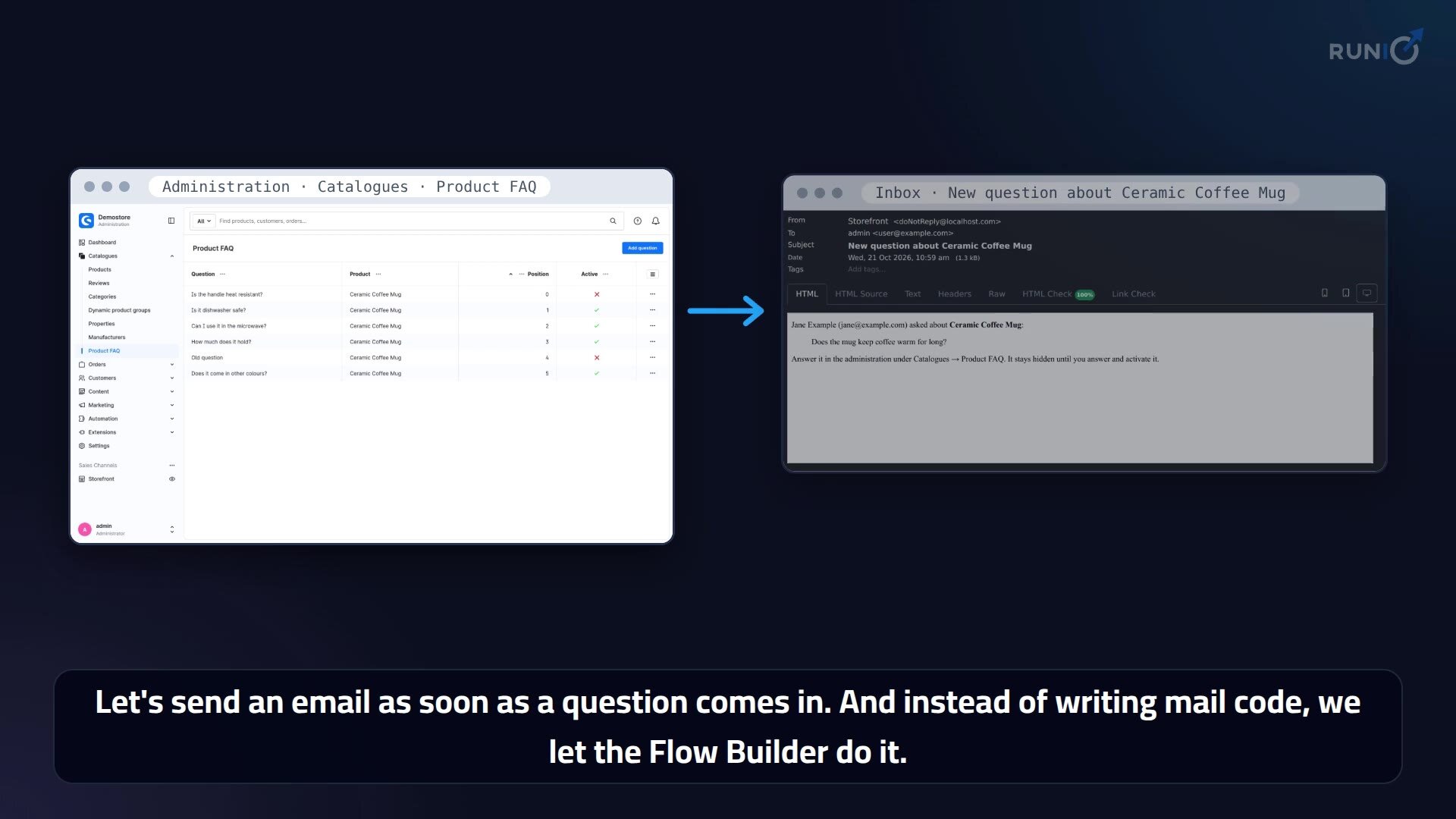
There's still a catch: the shop owner only finds new questions by opening the admin and looking. Next episode the Flow Builder sends them an email, without any mail code of our own.
Author Amer Malik Mohammed
Full-Stack Developer with 2+ years of experience in object-oriented PHP development (Symfony), JavaScript and MySQL. Specialized in e-commerce solutions (Shopware 5/6), REST API development and process automation in agile teams.
Contact author