Episode two of my Shopware plugin series. Here's the video, and the code for this step is in the GitHub repo.
Data Shopware doesn't know about
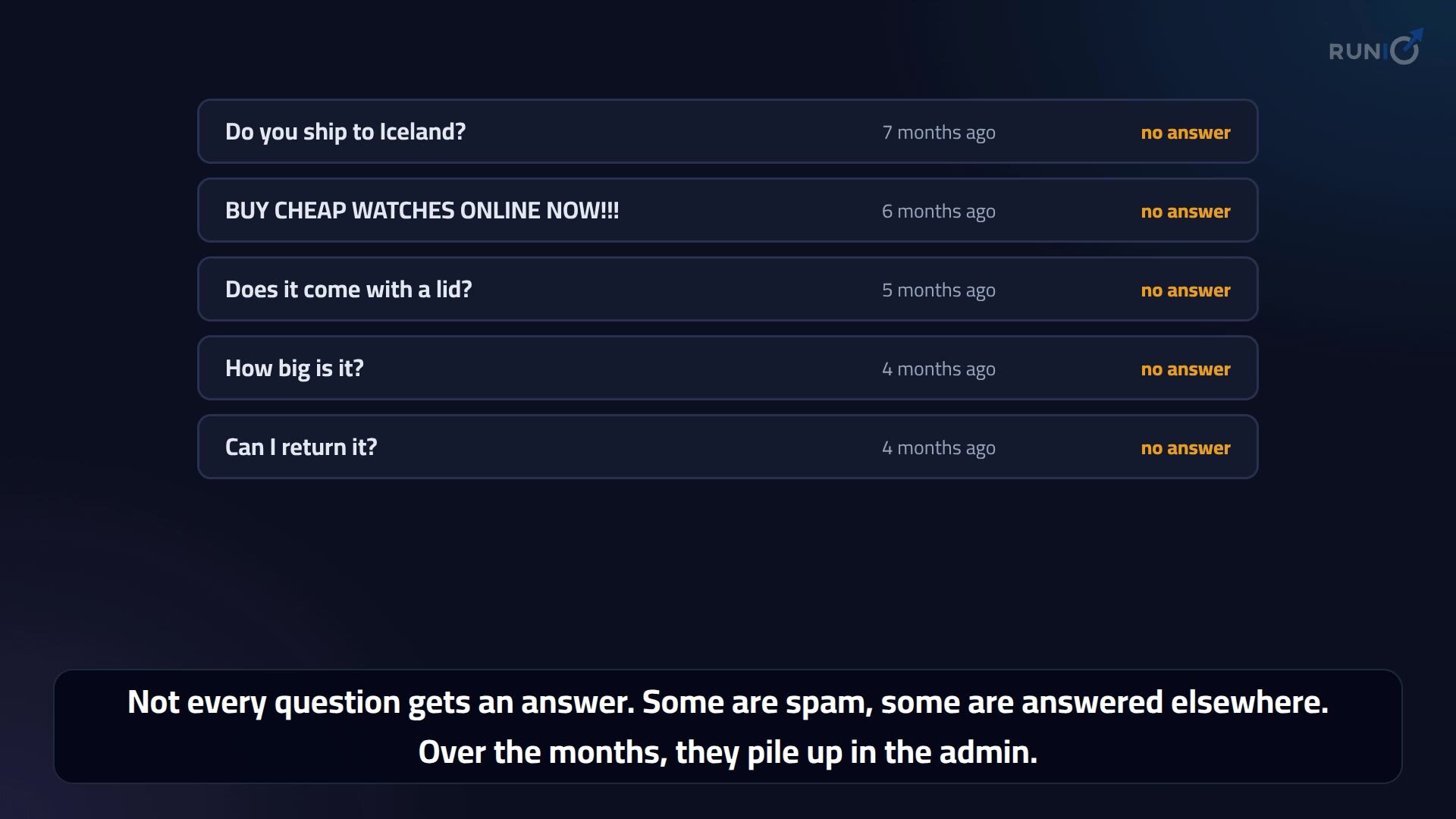
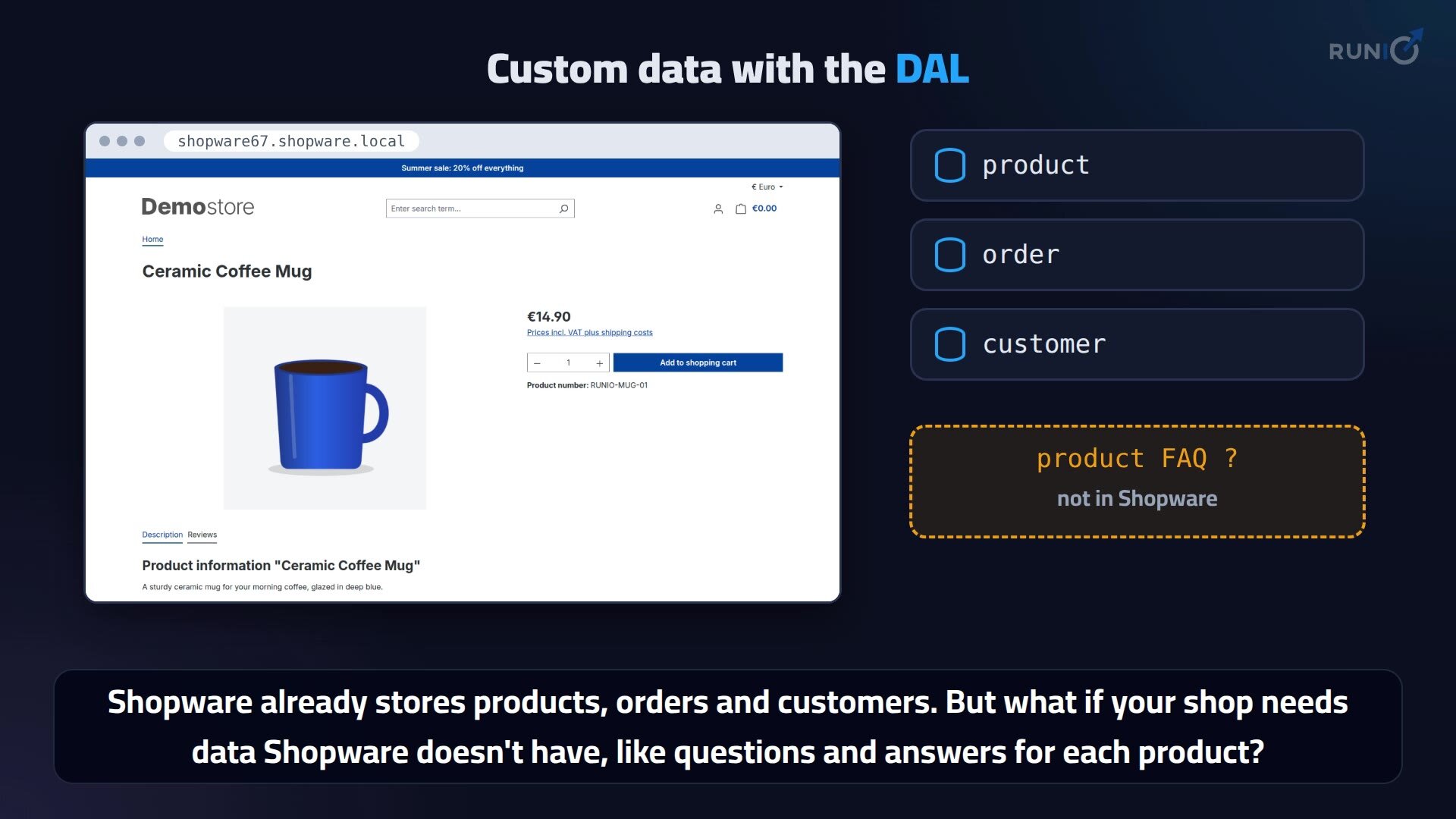
Shopware already stores products, orders and customers. But sooner or later a shop needs something Shopware has no table for. In this series it's questions and answers for each product, a small FAQ under the product description.
You could create a table and write the SQL yourself. Then you write it again for saving, again for validating the input, and again for an API. That's a lot of code to own.
Shopware has a better option, the Data Abstraction Layer, or DAL. You describe your data once and Shopware handles the rest.
How the layers fit
Your code never talks to the database. It talks to a repository, the repository uses the DAL, and only the DAL writes SQL. That sounds like extra indirection, but in exchange you get searching, filtering, validation, events and a full API without writing any of it.
The table
It still starts with a table. bin/console database:create-migration gives you a migration file, and the CREATE TABLE goes in there:
CREATE TABLE IF NOT EXISTS `runio_product_faq` (
    `id` BINARY(16) NOT NULL,
    `product_id` BINARY(16) NOT NULL,
    `product_version_id` BINARY(16) NOT NULL,
    `question` VARCHAR(255) NOT NULL,
    `answer` LONGTEXT NOT NULL,
    `position` INT NOT NULL DEFAULT 0,
    `active` TINYINT(1) NOT NULL DEFAULT 1,
    `created_at` DATETIME(3) NOT NULL,
    `updated_at` DATETIME(3) NULL,
    PRIMARY KEY (`id`),
    CONSTRAINT `fk.runio_product_faq.product_id` FOREIGN KEY (`product_id`, `product_version_id`)
        REFERENCES `product` (`id`, `version_id`) ON DELETE CASCADE ON UPDATE CASCADE
)
Easy to miss: products in Shopware are versioned, so a link to a product needs two columns, the product ID and the version ID. The migration runs by itself when the plugin is installed.
The definition
The definition is the heart of the entity. Its name has to match the table, and every field maps a column to a property:
protected function defineFields(): FieldCollection
{
    return new FieldCollection([
        (new IdField('id', 'id'))->addFlags(new PrimaryKey(), new Required()),
        (new FkField('product_id', 'productId', ProductDefinition::class))->addFlags(new Required()),
        (new ReferenceVersionField(ProductDefinition::class))->addFlags(new Required()),
        (new StringField('question', 'question'))->addFlags(new Required()),
        (new LongTextField('answer', 'answer'))->addFlags(new Required()),
        new IntField('position', 'position'),
        new BoolField('active', 'active'),
        new ManyToOneAssociationField('product', 'product_id', ProductDefinition::class, 'id', false),
    ]);
}
Flags add rules. Required means the DAL rejects a write without that value before it ever reaches the database. The many-to-one association links each question to its product so you can load both together.
An entity class and a collection class sit next to the definition. They're mostly boilerplate, but they give you typed PHP objects instead of arrays, which your IDE will thank you for. Then the definition is registered in services.php with the shopware.entity.definition tag.
An API you didn't write
This is the part I like most. As soon as the definition is registered, the Admin API knows the entity. A POST to /api/runio-product-faq creates a question. Leave out the product and the Required flag answers with a clear validation error. The search endpoint can filter and sort, for example only active questions ordered by position.
None of that is code in the plugin.
Reading with the repository
In PHP you use the repository. Shopware creates one for every entity, named after it, so ours is runio_product_faq.repository. I inject it into a subscriber for the product page and describe what I want with a Criteria object:
$criteria = (new Criteria())
    ->addFilter(new EqualsFilter('productId', $product->getParentId() ?? $product->getId()))
    ->addFilter(new EqualsFilter('active', true))
    ->addSorting(new FieldSorting('position'));

$faqs = $this->faqRepository->search($criteria, $event->getContext())->getEntities();

$event->getPage()->addExtension('runioFaqs', $faqs);
The getParentId() ?? getId() bit is there for variants. A red and a blue mug share their questions with the parent product, so there's one list to maintain.
Showing them in the storefront
The template works exactly like in episode one. Extend the product description block, call parent(), and render the questions after it:
{% set faqs = page.extensions.runioFaqs ?? [] %}
{% for faq in faqs %}
    <details class="runio-faq-item" {% if loop.first %}open{% endif %}>
        <summary class="runio-faq-question">{{ faq.question }}</summary>
        <p class="runio-faq-answer">{{ faq.answer }}</p>
    </details>
{% endfor %}
Reload the product page and the questions show up under the description, in order, and the inactive one stays hidden.
Recap
A migration creates the table, a definition describes it, flags add rules, the repository reads and writes, Criteria filters and sorts, and the API comes for free.
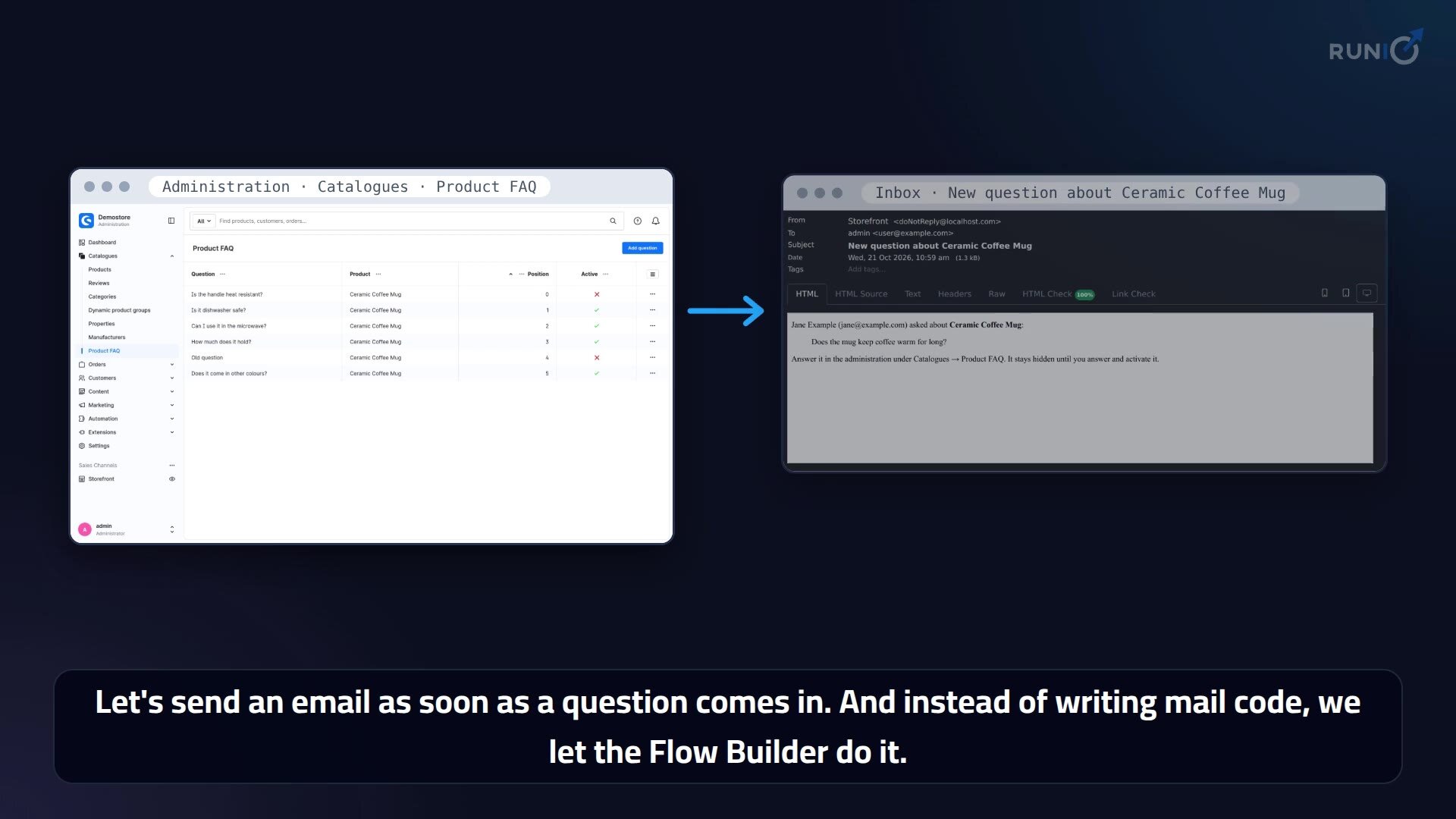
There's one gap left. Adding a question still means sending an API request, and shop owners don't do that. In the next episode the questions get their own screen in the admin.
Author Amer Malik Mohammed
Full-Stack Developer with 2+ years of experience in object-oriented PHP development (Symfony), JavaScript and MySQL. Specialized in e-commerce solutions (Shopware 5/6), REST API development and process automation in agile teams.
Contact author