Overview
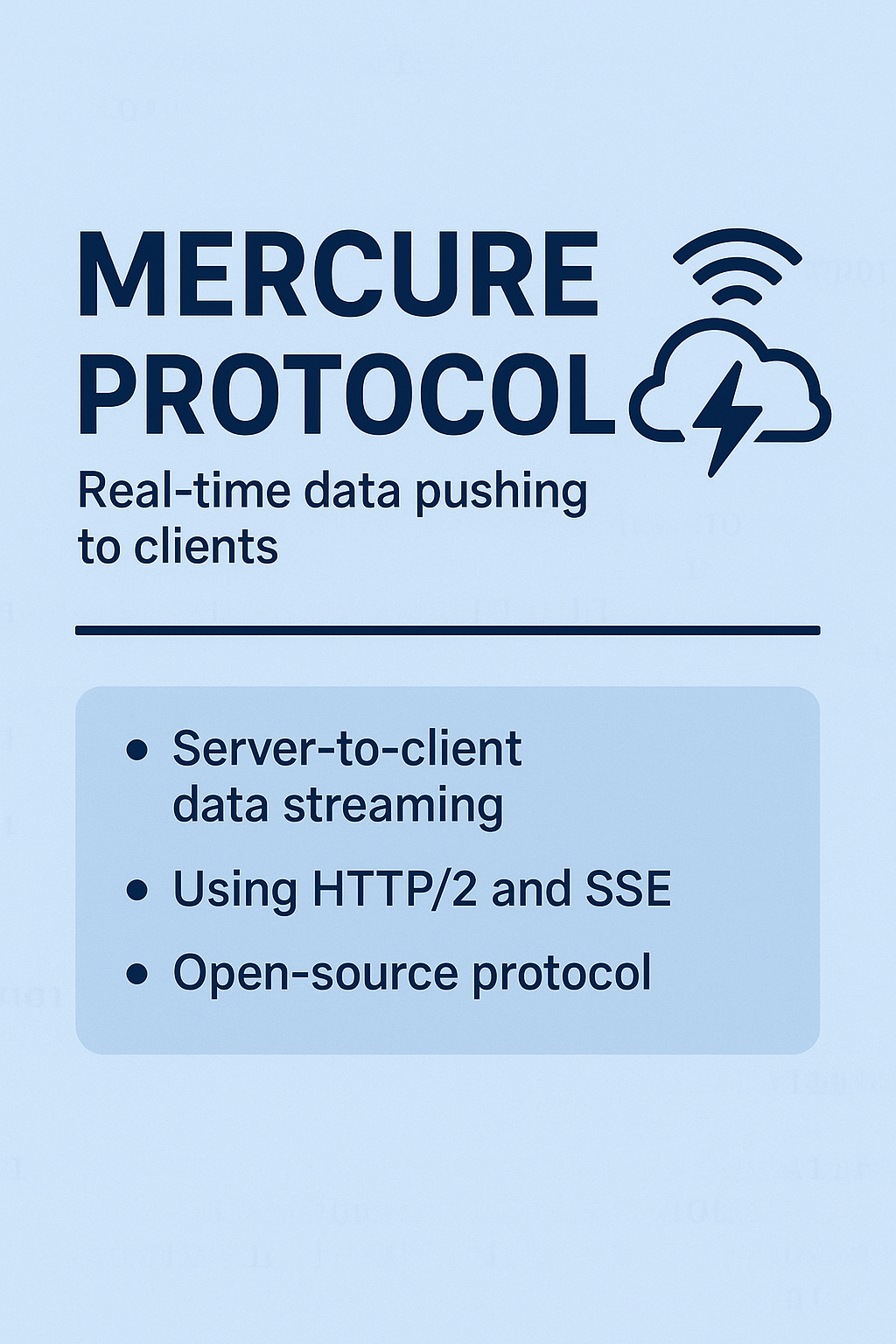
Broadcasting data in real-time from servers to clients is an essential requirement for many modern web and mobile applications.
Common Use Cases:
- Creating UIs that react live to changes made by other users
- Notifying users when asynchronous jobs complete
- Building chat applications
What is Mercure?
Mercure is an open protocol specifically designed to publish updates from servers to clients. It's a modern and efficient alternative to:
- Timer-based polling
- WebSocket
Key Features:
- Built on SSE: Uses Server-Sent Events, supported natively in modern browsers
- Authorization Mechanism: Built-in authentication system
- Automatic Reconnection: With recovery of lost updates
- Presence API: Know which users are connected
- Connection-less Push: For smartphones
- Auto-discoverability: Clients can automatically discover and subscribe to updates
Installation
Installing the Symfony Bundle:
composer require mercure
Running a Mercure Hub:
Mercure relies on a Hub (central dispatcher) to manage persistent connections. The Symfony app publishes updates to the Hub, which broadcasts them to clients.
[Symfony App] --POST--> [Mercure Hub] --SSE--> [Clients]
Configuration
Essential Environment Variables:
| Variable | Description |
|---|---|
MERCURE_URL |
Local URL for the Hub (used by Symfony app) |
MERCURE_PUBLIC_URL |
Public URL (used by browser JavaScript) |
MERCURE_JWT_SECRET |
Secret key for signing JWTs |
Configuration Example (YAML):
# config/packages/mercure.yaml
mercure:
    hubs:
        default:
            url: '%env(string:MERCURE_URL)%'
            public_url: '%env(string:MERCURE_PUBLIC_URL)%'
            jwt:
                secret: '%env(string:MERCURE_JWT_SECRET)%'
Basic Usage
Publishing:
namespace App\Controller;

use Symfony\Component\Mercure\HubInterface;
use Symfony\Component\Mercure\Update;

class PublishController extends AbstractController
{
    public function publish(HubInterface $hub): Response
    {
        // Create a new update
        $update = new Update(
            'https://example.com/books/1',  // Topic
            json_encode(['status' => 'OutOfStock'])  // Data
        );

        // Publish the update
        $hub->publish($update);

        return new Response('Published!');
    }
}
Notes:
- First parameter (
topic): Unique identifier for the resource (usually a URL or IRI) - Second parameter: Update content (JSON or XML recommended)
Subscribing:
In a Twig template:
<script>
const eventSource = new EventSource("{{ mercure('https://example.com/books/1') }}");
eventSource.onmessage = event => {
    // Called every time an update is published
    console.log(JSON.parse(event.data));
}
</script>
Subscribing to Multiple Topics:
const eventSource = new EventSource("{{ mercure([
    'https://example.com/books/1',
    'https://example.com/books/2',
    'https://example.com/reviews/{id}'  // URI Template
]) }}");
Discovery
Symfony can expose the Hub URL in an HTTP header:
use Symfony\Component\Mercure\Discovery;

class DiscoverController extends AbstractController
{
    public function discover(Request $request, Discovery $discovery): JsonResponse
    {
        // Adds: Link: <https://hub.example.com/.well-known/mercure>; rel="mercure"
        $discovery->addLink($request);

        return $this->json(['@id' => '/books/1']);
    }
}
Authorization
Private Updates:
To send updates only to authorized users:
$update = new Update(
    'https://example.com/books/1',
    json_encode(['status' => 'OutOfStock']),
    true  // Private update
);
Subscribing to Private Updates:
<script>
const eventSource = new EventSource(
    "{{ mercure('https://example.com/books/1', { subscribe: 'https://example.com/books/1' }) }}",
    { withCredentials: true }  // Important for sending cookies
);
</script>
Testing
Unit Testing:
use Symfony\Component\Mercure\MockHub;

$hub = new MockHub(
    'https://internal/.well-known/mercure',
    new StaticTokenProvider('foo'),
    function(Update $update): string {
        return 'id';
    }
);
API Platform Integration
use ApiPlatform\Core\Annotation\ApiResource;

#[ApiResource(mercure: true)]  // Enable automatic broadcasting
#[ORM\Entity]
class Book
{
    public string $name = '';
    public string $status = '';
}
This enables automatic update broadcasting when any book is created, modified, or deleted.
Summary
| Concept | Explanation |
|---|---|
| Mercure | Protocol for real-time data pushing |
| Hub | Intermediary server managing connections |
| Topic | Unique identifier for the updated resource |
| SSE | Browser technology for listening to updates |
| JWT | Token for authentication and authorization |
source: symfony docs v 6.4
Author Amer Malik Mohammed
Full-Stack Developer with 2+ years of experience in object-oriented PHP development (Symfony), JavaScript and MySQL. Specialized in e-commerce solutions (Shopware 5/6), REST API development and process automation in agile teams.
Contact author